

How to Mount a GoPro to Your Helmet


This is a complete step-by-step guide explaining how to mount a GoPro to your helmet for motorcycle riding, including chin, top and side mounts, safety tips and legal considerations.
How to Mount a GoPro to Your Helmet
Mounting a GoPro to your helmet is one of the best ways to capture immersive motorcycle footage. Whether you want to record epic road trips, track days, or daily commutes, a helmet-mounted GoPro delivers a true rider’s perspective. In this guide, we explain exactly how to mount a GoPro to your helmet safely, legally, and with the best possible video quality.
Why Helmet Mounting Is the Best GoPro Setup
When riders ask how to mount a GoPro to your helmet, the reason is usually simple: helmet mounts offer the most realistic viewing angle. Unlike handlebar or chest mounts, your helmet follows your head movement, showing exactly what you see on the road.
Helmet mounting also keeps the camera higher, reducing vibrations from the bike and suspension. This results in smoother footage and better stabilization, especially when combined with GoPro’s built-in HyperSmooth technology.
Advantages of helmet mounting
- True first-person riding perspective
- Less vibration compared to bike-mounted setups
- Better visibility in traffic and corners
- Ideal for vlogging and touring content
Things to Consider Before Mounting a GoPro to Your Helmet
Before learning how to mount a GoPro to your helmet, it’s important to think about safety, comfort, and local regulations. A poorly placed mount can affect aerodynamics, cause neck strain, or even come loose at high speeds.
Always make sure your helmet surface is clean and smooth, and never drill into the helmet shell. Adhesive mounts are designed to be strong without compromising helmet integrity.
Helmet Type Matters
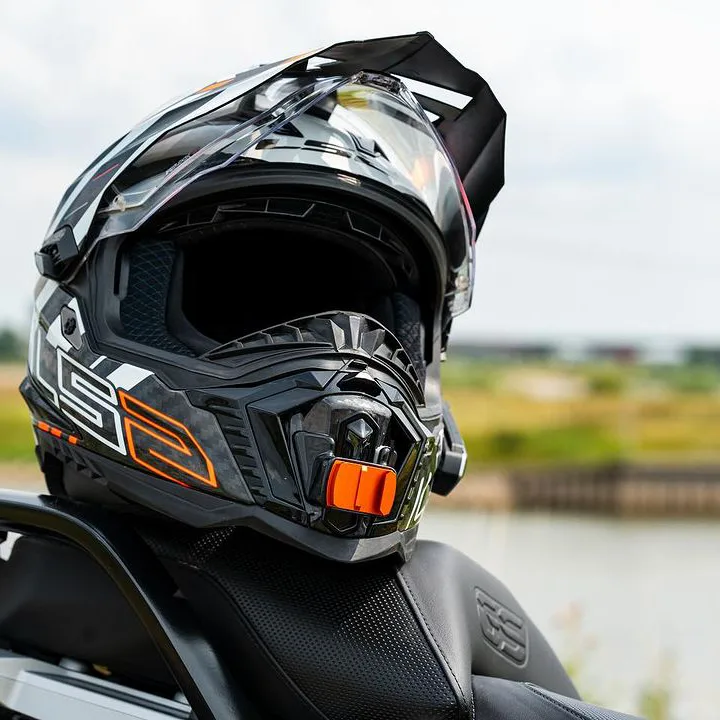
Different helmet types require different mounting approaches. Full-face helmets are the most popular option, especially for chin mounts. Modular and open-face helmets may limit mounting positions due to vents or moving parts. I have also composed a list with available chinmounts for modular helmets. If you have a modular helmet, you can check if there are chinmounts for your modular helmet here.
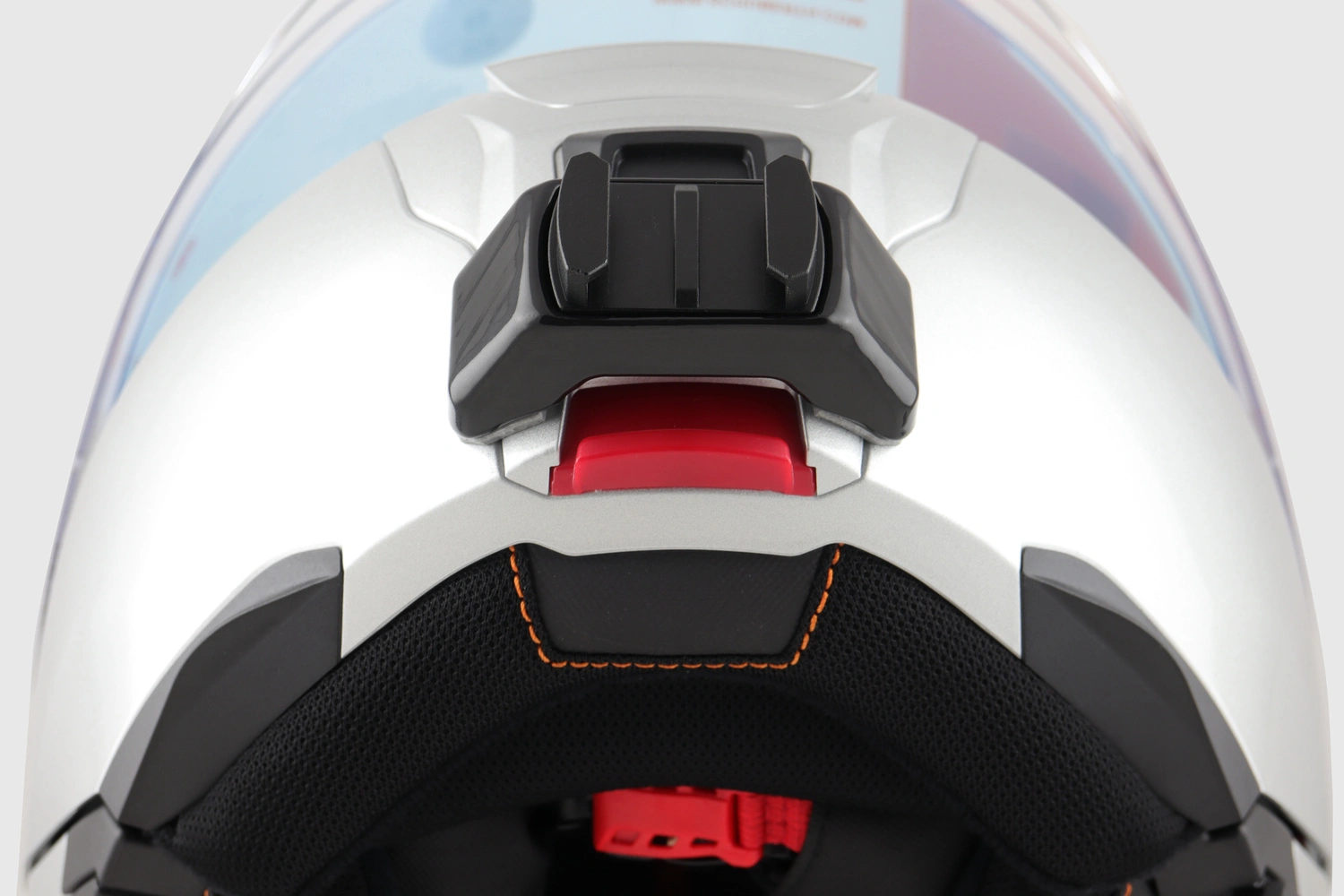 Close-up view of a chinmount mounted on the chin area of a modular motorcycle helmet.
The 3 most common ways to mount your GoPro to your helmet
1. Chin Mount
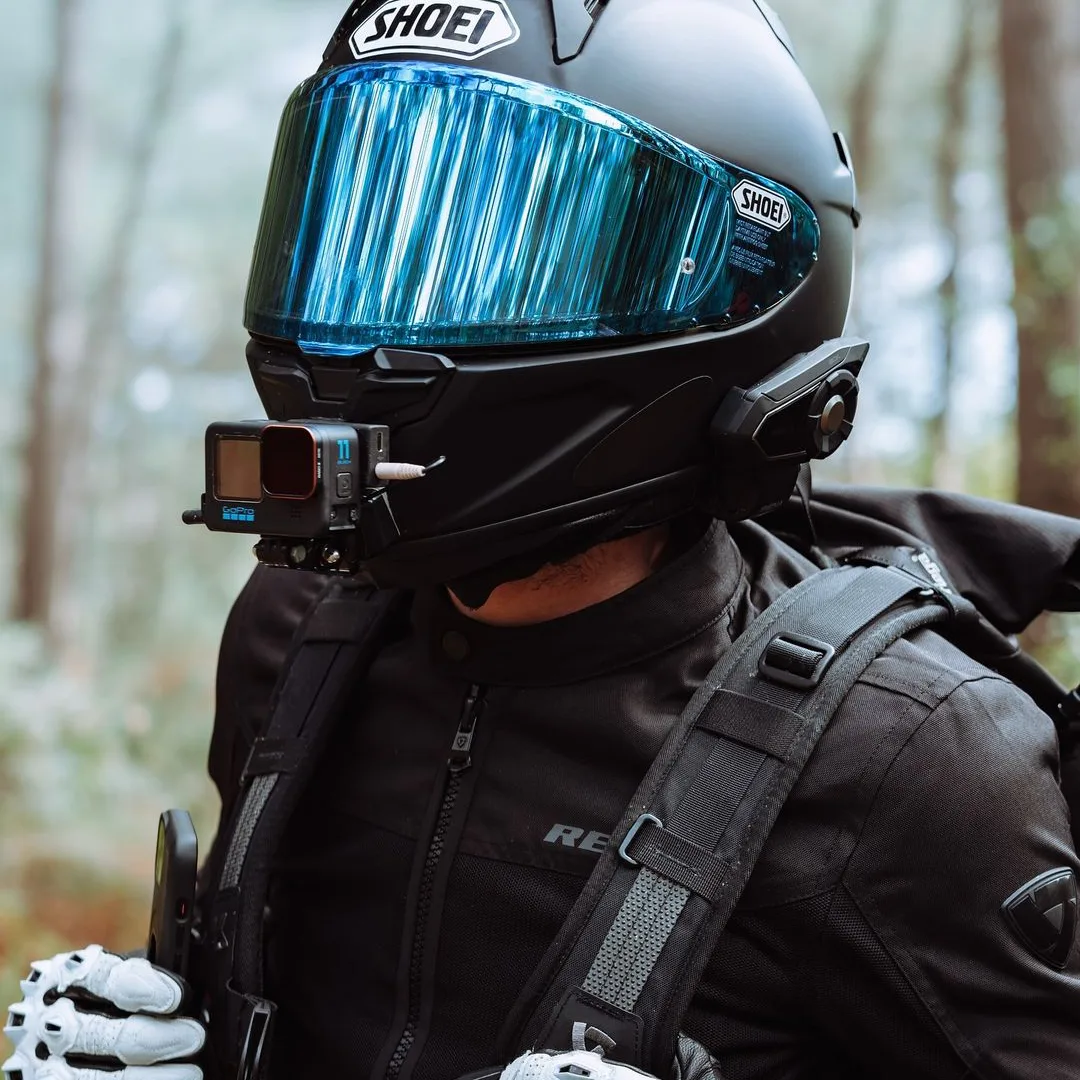
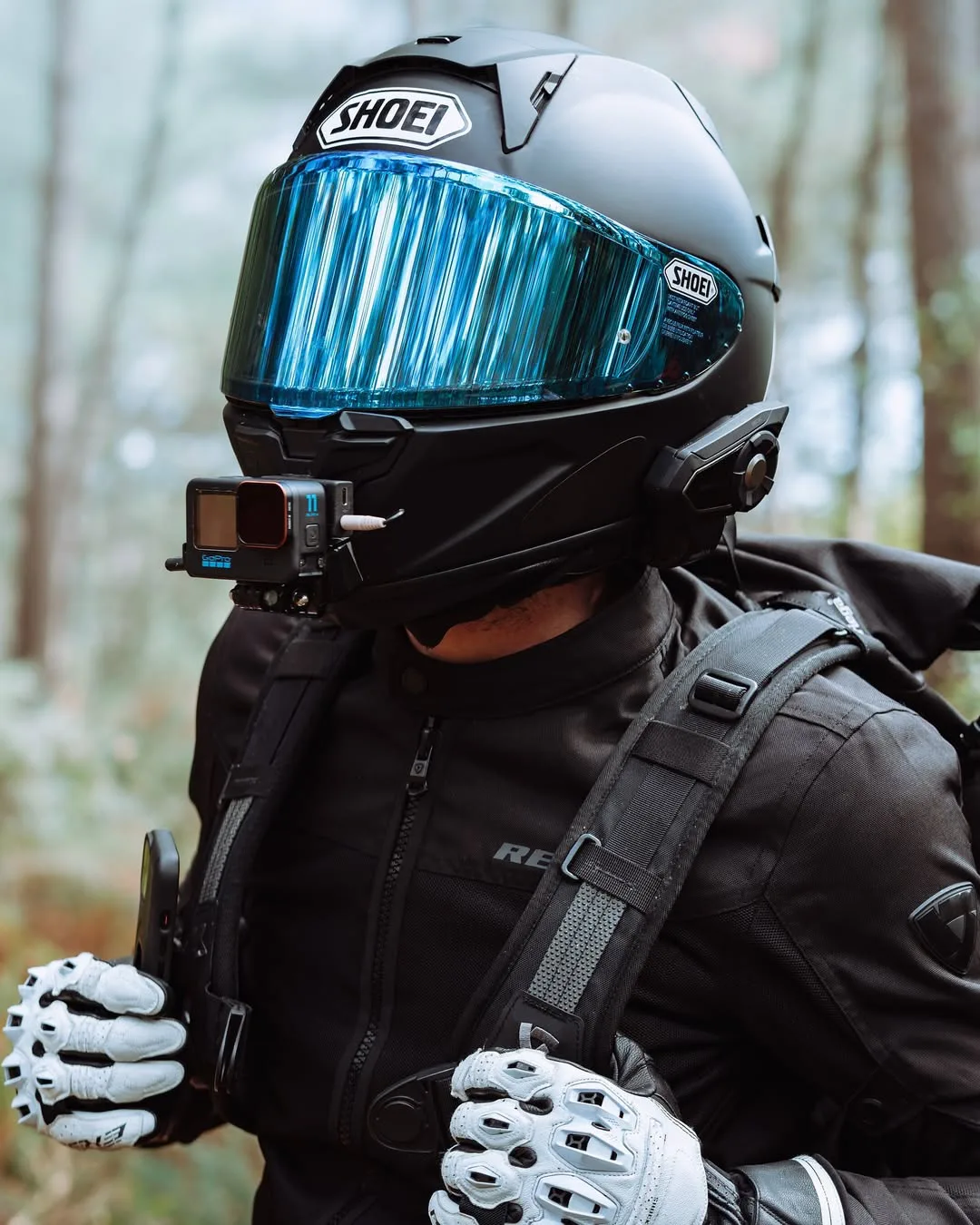
The chin mount is widely considered the best solution when learning how to mount a GoPro to your helmet. It offers a centered perspective, minimal wind drag, and natural-looking footage that closely matches your eye line. It also looks pretty slick compared to other mounting options. I made a list with all available chin mounts.
Chin mounts work best on full-face helmets with a relatively flat chin area. Using a Go Moto Chinmount ensures a secure fit that follows the helmet’s contour.
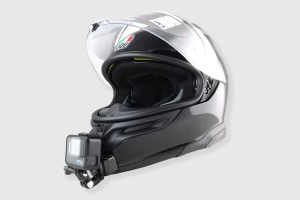 Close-up view of a GoPro mounted on the chin area with a Go Moto mount.
Step-by-Step Chin Mount Installation
Follow these steps carefully to ensure your GoPro stays firmly attached, even at highway speeds.
- Clean the helmet surface with alcohol wipes
- Position the mount and test camera angle before sticking
- Heat up the adhesive with a hairdryer for optimal adhesion
- Apply strong pressure for at least 30 seconds
- Let the adhesive cure for 24 hours before riding
2. Top Mount
A top-mounted GoPro sits on the crown of the helmet. This position works well for adventure riders and off-road use, where visibility over obstacles is important. It’s also considered the easiest mounting option, since it only requires a curved action camera mount.
However, top mounts can create additional wind resistance and may feel less comfortable during long highway rides. Riders should always test the setup before committing to a full journey.
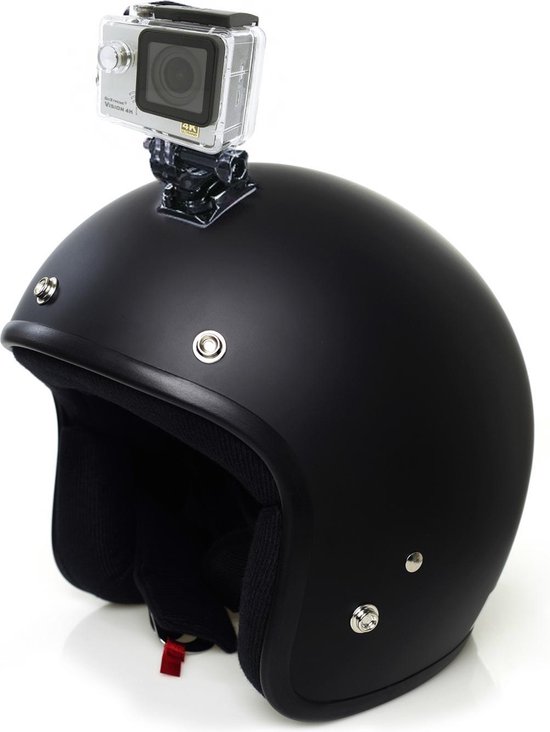 GoPro camera mounted on the top of a motorcycle helmet for adventure riding.
3. Side Mount
Side mounting is a popular alternative if chin mounting is not possible. This setup places the camera near the temple area, giving a slightly angled view of the road and surroundings.
Side mounts are easy to install and work well for casual riders or daily commuters. Keep in mind that the footage may feel less immersive compared to a chin-mounted GoPro. For ADV helmets, you could also consider a flexible action camera mount, in the bottom of the sunvisor.
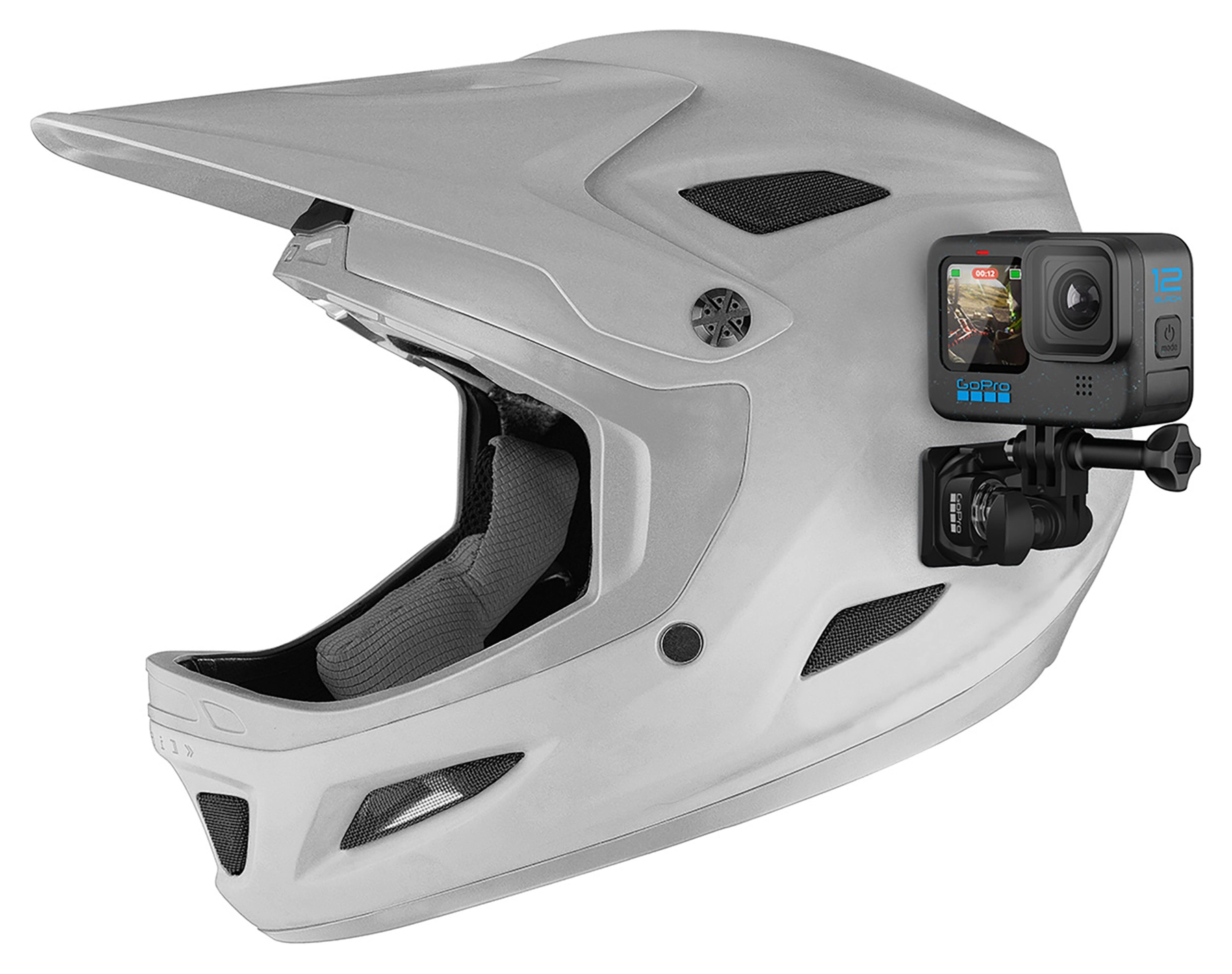 Side-mounted GoPro capturing angled motorcycle riding footage.
Adjusting Camera Angle for the Best Footage
Knowing how to mount a GoPro to your helmet is only half the job. Proper camera angle is crucial for professional-looking footage. The lens should point slightly downward to capture both the road and the horizon.
Before riding, record a short test clip and review it on your phone or computer. Small angle adjustments can make a huge difference in the final result. Make sure to sit on your bike when testing, since this tilts your helmet slightly forward compared to standing up.
Safety and Legal Considerations
Helmet-mounted cameras are legal in most countries, but regulations vary. Always check local traffic laws to ensure compliance. In some regions, external helmet modifications may be restricted.
From a safety perspective, it’s always good to have footage of your trips, just in case you get involved in an accident. If you have a dashcam in your car, why not on your motorcycle? I do recommend to ensure that your GoPro does not interfere with helmet ventilation, visor movement, or emergency removal systems.
Common Mistakes When Mounting a GoPro to Your Helmet
Many riders rush the installation process, leading to unstable mounts or poor footage. Avoid mounting the camera too high, skipping adhesive curing time, or ignoring wind noise. It would be sad if you loose your expensive action camera! I have seen some cases of friends that lost their camera, all related to:
- Not cleaning the helmet surface properly
- Not using the correct Gopro Helmet mount
- Riding before the adhesive fully cures
- Incorrect placement of the mount
- Not using a safety tether their first ride
Final Tips for Helmet-Mounted GoPro Success
Learning how to mount a GoPro to your helmet correctly will dramatically improve your riding videos. Invest in quality mounts, take your time during installation, and always prioritize safety over aesthetics. I hope this helps your search for the perfect GoPro helmet mount!